
Verber Studio Blog
From One Post to Multi-Platform Campaign in Minutes
2026-11-20 · Team
Turn one brief into Instagram, LinkedIn, X, and more live-network assets in minutes with Verber Studio’s Brand Kit → Campaign loop.
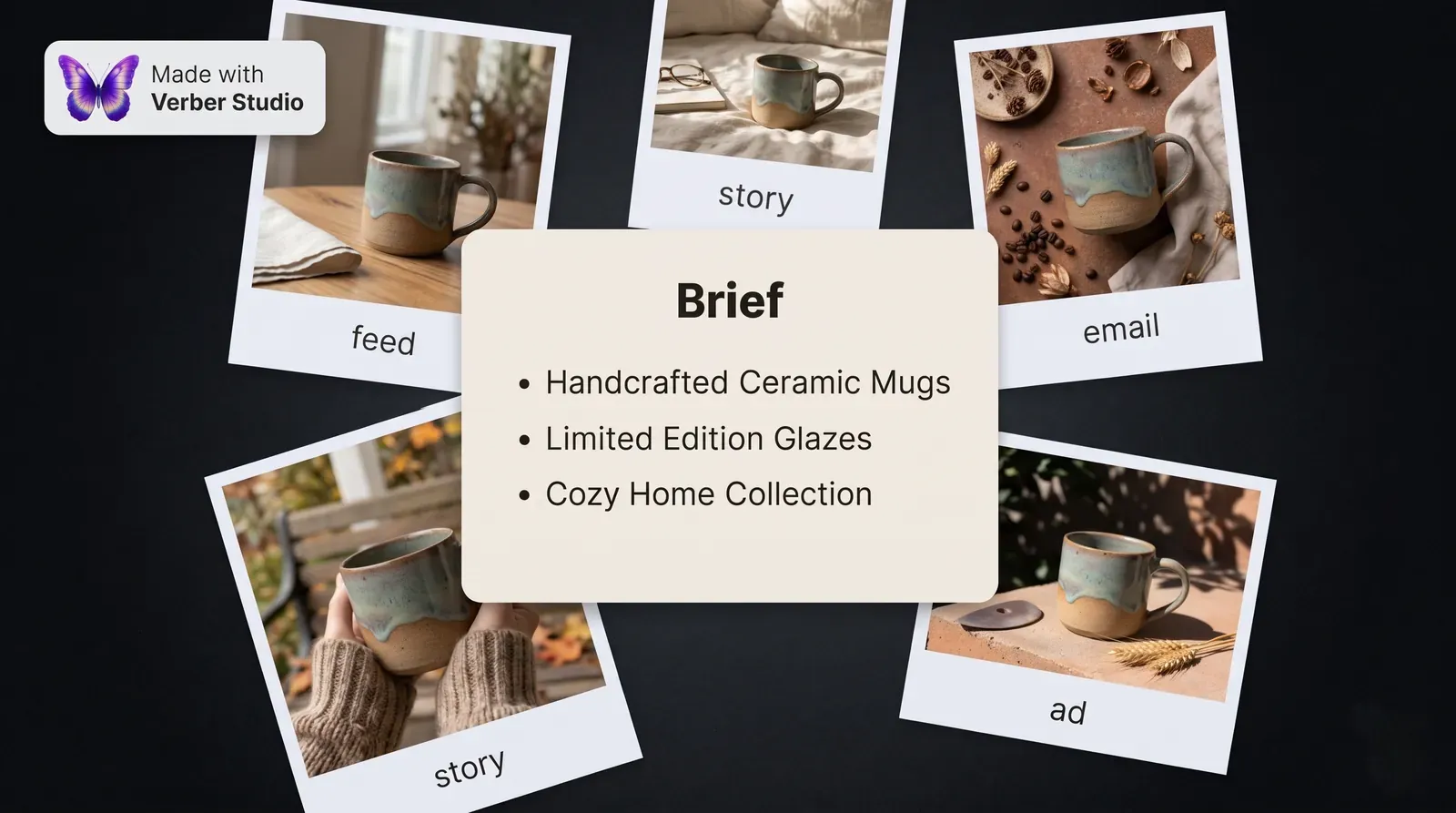
One brief → coordinated assets across the networks you can pick today.
Summary: Launch a coordinated campaign across the social networks Verber Studio supports today — in well under 10 minutes. No design skills required. No manual resizing. One brief, multiple live networks, all on-brand. Extra surfaces (TikTok packs, email banners, marketplace listings) are on the roadmap and not in the picker yet.
The old way vs. the new way
Let's be honest about how campaigns used to get made:
The old way (manual): 9:00 AM — Start gathering product photos 9:30 AM — Open Canva, choose a template 10:00 AM — Create Instagram post (on your third attempt, it looks okay) 10:45 AM — Rebuild for LinkedIn landscape 11:15 AM — Redesign for X 12:00 PM — Lunch break 1:00 PM — Resize again for Facebook / WhatsApp / Pinterest 1:45 PM — Still haven’t touched email or marketplace listings 2:30 PM — Export everything 3:00 PM — Upload to each app separately
Total time: hours
The new way (AI brand system — live Studio loop):
- Set up Brand Kit (free, ~2 minutes, one time)
- Write campaign brief (1 minute)
- Select 2–3 live networks (30 seconds; soft max 3)
- Generate (~1 credit per network; a couple of minutes)
- Refine in Canvas + queue in Social Manager / download (a few minutes)
Total time: well under 10 minutes for a real multi-network pack
The difference isn't just speed — it's scale on channels you can actually pick today. Manual work still hurts when you add email or marketplace formats; those Studio surfaces will land in the picker soon — until then, export stills for them or keep using your existing tools while Brand Kit covers social.
Step 1: Set up your Brand Kit (2 minutes, one time — free)
Before you generate your first campaign, you need to tell Verber Studio what your brand looks like. Brand Kit extraction does not use a credit.
Option A: Extract from your website (recommended)
- Paste your store URL, marketing site, or any branded web page
- Start Brand Kit extraction
- Wait while Verber analyzes your visual identity
Verber Studio extracts:
- Primary and secondary colors (exact hex codes)
- Typography (headings, body, captions)
- Logo lockups and usage rules
- Photography style (lighting, composition, mood)
- Visual hierarchy patterns
Option B: Upload / adjust brand assets
- Upload your logo and refine colors
- Set fonts and style preferences
- Save your Brand Kit
Pro tip: Your Brand Kit is reusable. Set it up once, and every New Post / New Campaign inherits your brand rules automatically.
Step 2: Write your campaign brief (1 minute)
Now that your Brand Kit is set up, describe the campaign.
Open Studio → New Campaign (or start with New Post and Expand later).
What to include in your brief:
- Campaign objective: What are you promoting? (New product launch, seasonal sale, feature announcement, webinar promotion)
- Target audience: Who are you reaching? (e.g. Gen Z on Instagram, B2B decision-makers on LinkedIn, deal-seekers on Facebook)
- Vibe/mood: What's the tone? (Minimal and clean, bright and punchy, premium and sophisticated, casual and friendly)
- Key messaging: What's the main point? (Summer sale, new feature X, Black Friday deals)
Example briefs (live networks only):
"Summer sale campaign for a skincare brand. Targeting Millennial women on Instagram and Facebook. Bright, fresh, minimal aesthetic. Messaging: 20% off all products, limited time."
"B2B SaaS feature launch. Targeting product managers on LinkedIn and X. Clean, professional, minimal design. Messaging: New AI-powered analytics dashboard launches today."
"Home-goods product push. Targeting shoppers on Instagram, Pinterest, and WhatsApp Catalog. Clean product-forward look. Messaging: Best-seller restock, limited-time intro offer."
You can still sell on Amazon or Shopify — paste a product URL into the brief so Studio understands the SKU — but Amazon/Shopify listing image kits are not in the picker yet.
Keep it simple: You don't need to describe colors or fonts — your Brand Kit handles that. Just describe intent, audience, and which live networks matter.
Step 3: Select your platforms (30 seconds)
Once your brief is written, pick networks in the New Campaign wizard (suggest 2–3; soft max 3). Each selected network uses ~1 credit.
Recommended platforms to include (live in the picker today):
- Instagram — Feed / portrait stills (aspect follows the network chip)
- LinkedIn — Landscape professional posts
- X — Landscape promo / announcement graphics
- Facebook — Feed stills
- Pinterest — Pin-oriented stills
- WhatsApp — Stories (general engagement) or Catalog (product promotion)
Not in the picker yet (roadmap — will be available soon):
- TikTok — Native vertical video / thumbnail packs
- Email — Headers, banners, promo graphics
- Website — Dedicated hero / landing templates
- Amazon / Shopify listing kits — Marketplace-sized listing sets, A+ modules
- Carousels / multi-frame story-ad suites — Beyond single stills per network
- Paid-ad creative suites as a separate format family
Select from what’s live. Verber Studio generates the correct aspect for each selected network automatically — no manual resizing required for those slots.
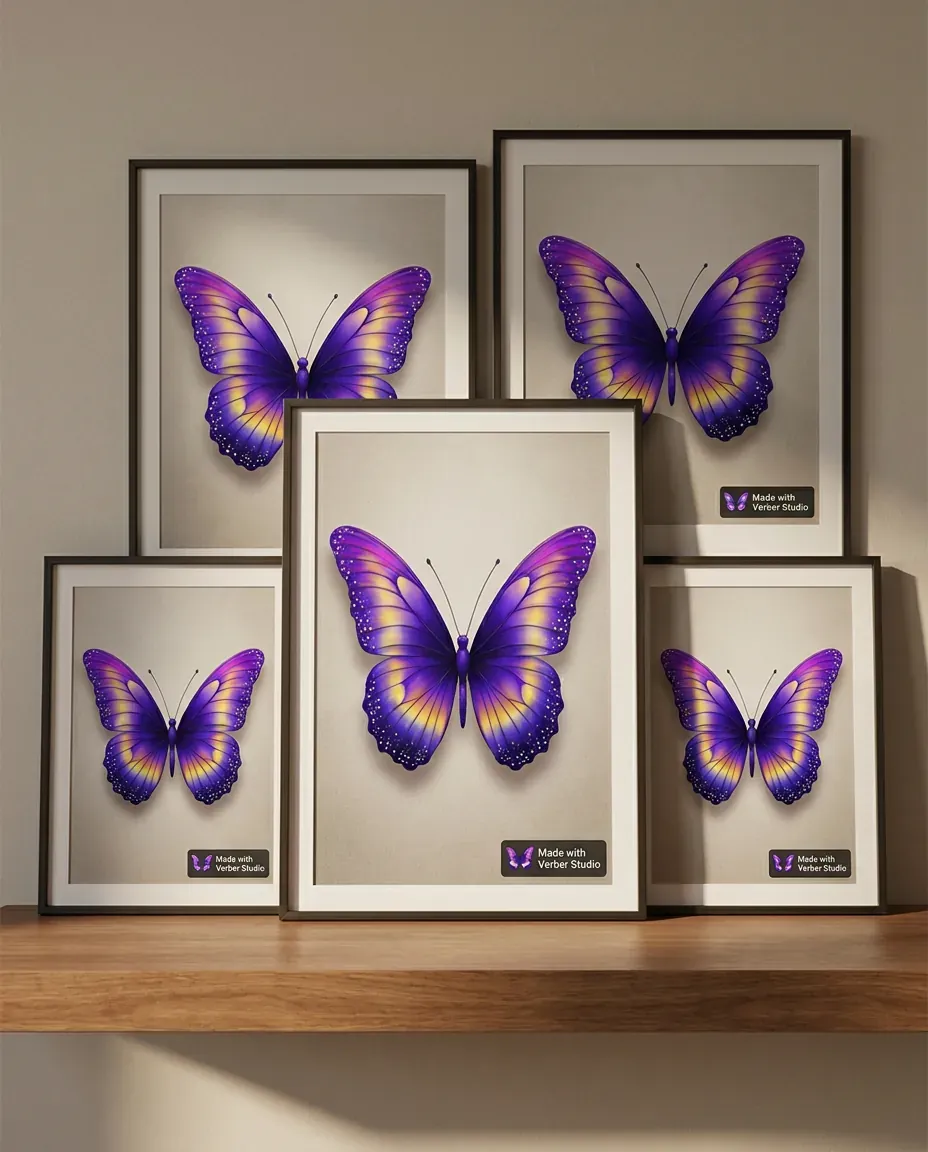
Same campaign, coherent art direction — sized for each live network.
Run your first multi-platform campaign free →
Step 4: Generate your campaign (2 minutes)
Click generate on New Campaign.
Verber Studio goes to work:
- Analyzes your campaign brief
- Applies your Brand Kit rules
- Generates one image + caption slot per selected live network
- Keeps every asset on-brand and sized for that network
What you get today:
- Instagram / Facebook / Pinterest / LinkedIn / X / WhatsApp creatives with your Brand Kit applied
- Correct dimensions for each selected network chip
- Captions ready to refine or hand to Social Manager
What you should not expect from this click yet:
- TikTok video packs, email banners, Amazon listing sets, or website heroes — not in the picker yet
Pro tip: If a slot is weak, regenerate or open Canvas — don’t rebuild the whole brand.
Step 5: Review and refine (2 minutes)
Your pack is ready. Review each asset:
What to check:
- Brand consistency: Do all assets look like they're from the same brand?
- Network fit: Does the Instagram slot feel like Instagram? Does the LinkedIn slot read professional?
- Message clarity: Is your main call-to-action visible and clear?
- Product accuracy: If you're featuring a specific product, is it displayed correctly?
Quick edits (if needed):
- Open any asset in Canvas
- Make minor adjustments: change text, adjust crop, swap emphasis
- Save — then continue to Social Manager or export
Most packs are good to go after generation when your Brand Kit is well-defined.
Step 6: Export and deploy (2 minutes)
Once you're happy with your campaign:
Option A: Download assets Export the generated stills for use anywhere — including channels that are still outside the picker (email tools, marketplace seller central, etc.).
Option B: Social Manager Open Social Manager to compose, queue, or calendar. X can auto-post when connected; other live networks use Quick Share or download today.
Option C: Start from New Post, then Expand If you only needed one network first, run New Post, then Expand into sibling networks (extra credits per added slot).
Time to go live on supported networks: typically under 10 minutes from brief → generate → light Canvas → Social Manager.
Real-world examples
Example 1: E-commerce seasonal sale
- Campaign: Black Friday sale for a fashion brand
- Platforms (live): Instagram, Facebook, WhatsApp Catalog
- Brief: "Black Friday sale, urgent and high-energy, targeting deal-seekers. Messaging: 50% off everything, 24 hours only."
- Generated: 3 network slots in a couple of minutes
- Result: Social/catalog pack ready; email + marketplace listing kits still handled outside Studio until those formats land in the picker
Example 2: SaaS feature launch
- Campaign: New analytics dashboard for a B2B SaaS
- Platforms (live): LinkedIn, X, Instagram
- Brief: "Professional, minimal, data-focused. Targeting product managers and founders. Messaging: New AI-powered analytics dashboard, see the demo."
- Generated: 3 assets in ~90 seconds
- Result: Feature announced on the networks founders actually use in Studio today
Example 3: Solopreneur product launch
- Campaign: New digital course launch
- Platforms (live): Instagram, Pinterest, WhatsApp Stories
- Brief: "Warm, welcoming, educational vibe. Targeting aspiring entrepreneurs. Messaging: New course launches today, limited seats."
- Generated: 3 assets in about a minute
- Result: Course promoted on live networks; TikTok/email called out as roadmap, not pretended as shipped
The math: Manual vs. Verber Studio
| Campaign Type | Manual Time | Verber Studio Time (live networks) | Time Saved |
|---|---|---|---|
| Single-network New Post | ~1–2 hours | ~4 minutes | large |
| Multi-network Campaign (2–3 live channels) | ~half a day | ~8–10 minutes | large |
| “Every surface including email + marketplace” | 15+ hours | Social pack in minutes + roadmap formats still external | honest split |
The hidden benefit: You're not just saving time — you're saving mental energy on the channels Studio already covers. Don’t burn trial credits pretending TikTok/email/Amazon slots exist in the picker yet.
Tips for faster campaigns
1. Reuse successful briefs Save your best campaign briefs. When you have a similar campaign, reuse and tweak.
2. Create live-network presets Prefer combinations that exist today (e.g. “Instagram + Facebook + WhatsApp”, “LinkedIn + X + Instagram”). Skip TikTok + Email presets until those chips appear.
3. Perfect your Brand Kit (free) The better your Brand Kit, the fewer Canvas edits you’ll need.
4. Use New Post → Expand when learning Nail one network, then expand — clearer than configuring a full pack first.
5. Batch on supported networks Generate several small packs in one session rather than one fantasy “all channels including roadmap” run.
Step-by-step guide to generating branded social assets with AI
Step 1: Set up your Brand Kit (paste URL — free)
Step 2: Write your campaign brief (objective, audience, vibe)
Step 3: Select live platforms (Instagram, LinkedIn, X, Facebook, Pinterest, WhatsApp — up to 3)
Step 4: Generate (1 credit per network slot)
Step 5: Review in Canvas if needed
Step 6: Deploy via Social Manager or download
Total time: Under 10 minutes from idea to live on supported networks.
Related reading
- How to Build a Brand Kit That Runs Campaigns Without You
- Stop Taking Phone Photos of Your Products
- Start free with Verber Studio
FAQ
How long does a multi-platform campaign take in Verber Studio?
With Brand Kit ready: brief → generate (2–3 live networks) → light Canvas → Social Manager is typically minutes, not a design day.
Which platforms should I select first?
Start with channels that are in the picker today and that you will actually publish this week: Instagram, LinkedIn, X, Facebook, Pinterest, WhatsApp.
What about TikTok, email, and Amazon listings?
Those formats are not in the picker yet — they’re on the roadmap. Download stills for interim use, or keep your existing tools for those surfaces.
Can I edit generated assets?
Yes — refine in Canvas, then export or open Social Manager. Don’t restart the whole campaign for a crop.
Key takeaways
- Brand Kit once (free); Campaign many times on live networks.
- One brief → up to 3 network slots beats per-channel redesign.
- Roadmap formats are labeled honestly — don’t plan the 10-minute promise around chips that aren’t shipped.
Try it on your brand
Lock your Brand Kit once, then generate campaign assets that stay recognizable across every channel you can pick today.
Get Early Access
Get early access invites, feature drops, and practical AI marketing workflows.
No spam, ever. Unsubscribe anytime.